Four things, done properly
Generate from text, generate from photographs, change your mind about either, and export into your engine. All of it in a browser tab, on our hardware.
Describe it, and get a mesh back
Type the object, the material and the style, then watch the mesh build. Preview first at low cost, and only pay for texturing once the shape is the one you wanted.
- Models
- Meshy 5 · Meshy 6
- Detail
- standard or low-poly
- Topology
- triangle or quad

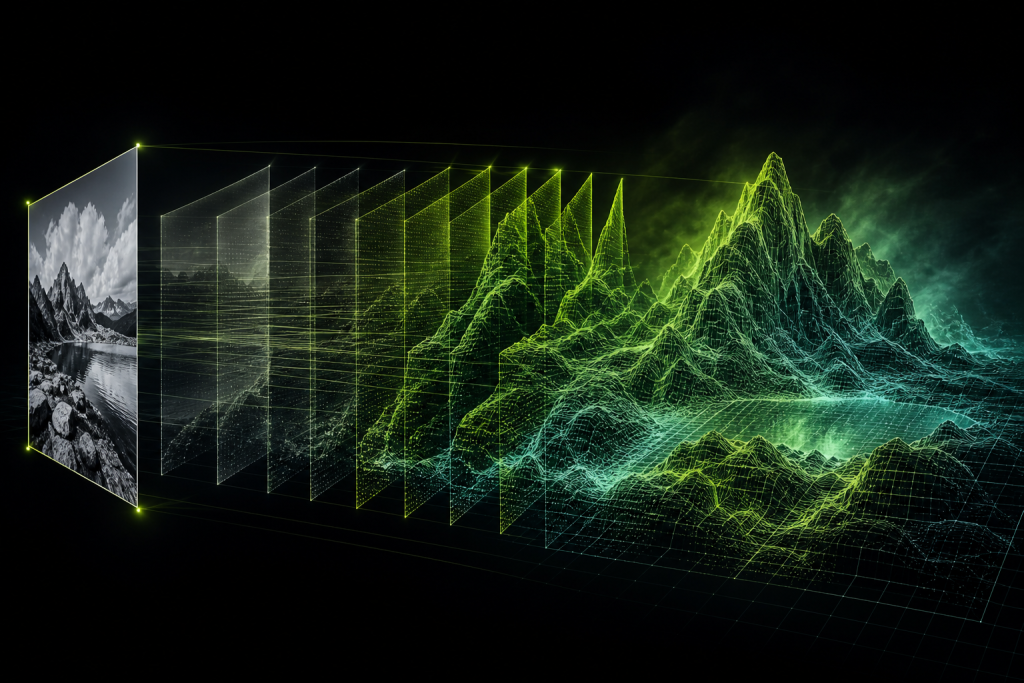
Or start from photographs
One image reconstructs what the camera saw and infers the rest. Up to 4 views — front, back and both sides — remove the inference, which is the single most effective fix for a flat or smeared back face.
- Input
- JPEG or PNG, ≤20MB
- Views
- 1 to 4 per model
- Background
- removed automatically
Restyle the surface, rebuild the mesh
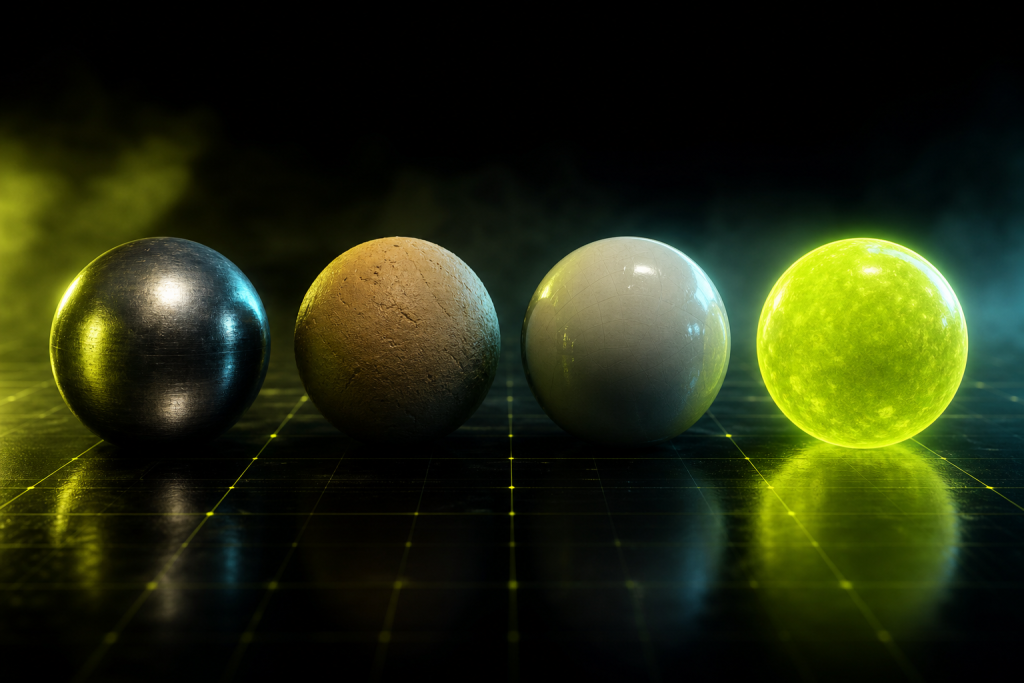
A finished model is not final. Restyle keeps the geometry and generates a new texture from a fresh prompt. Optimise rebuilds the geometry to a triangle budget and re-projects the texture onto it, which beats collapsing edges by hand.
- Maps
- base colour · metallic · normal · roughness · emission
- Texture size
- 2048² · 4096² (HD)
- Rebuild range
- 100–300,000 triangles
Then take the files and go
Every finished model is re-hosted on our side and stays in your library, downloadable as often as you like at no cost. Metres, Y-up, origin at the base of the object.
- Formats
- GLB · FBX · OBJ · STL · USDZ
- Textures
- inside GLB, alongside FBX and OBJ
- Licence
- royalty-free, commercial use

What a generation costs
Every operation has a token price, and the studio shows the exact figure before you press generate. The full table is on the pricing page.